Lock in
Start from your loop, or from the key.
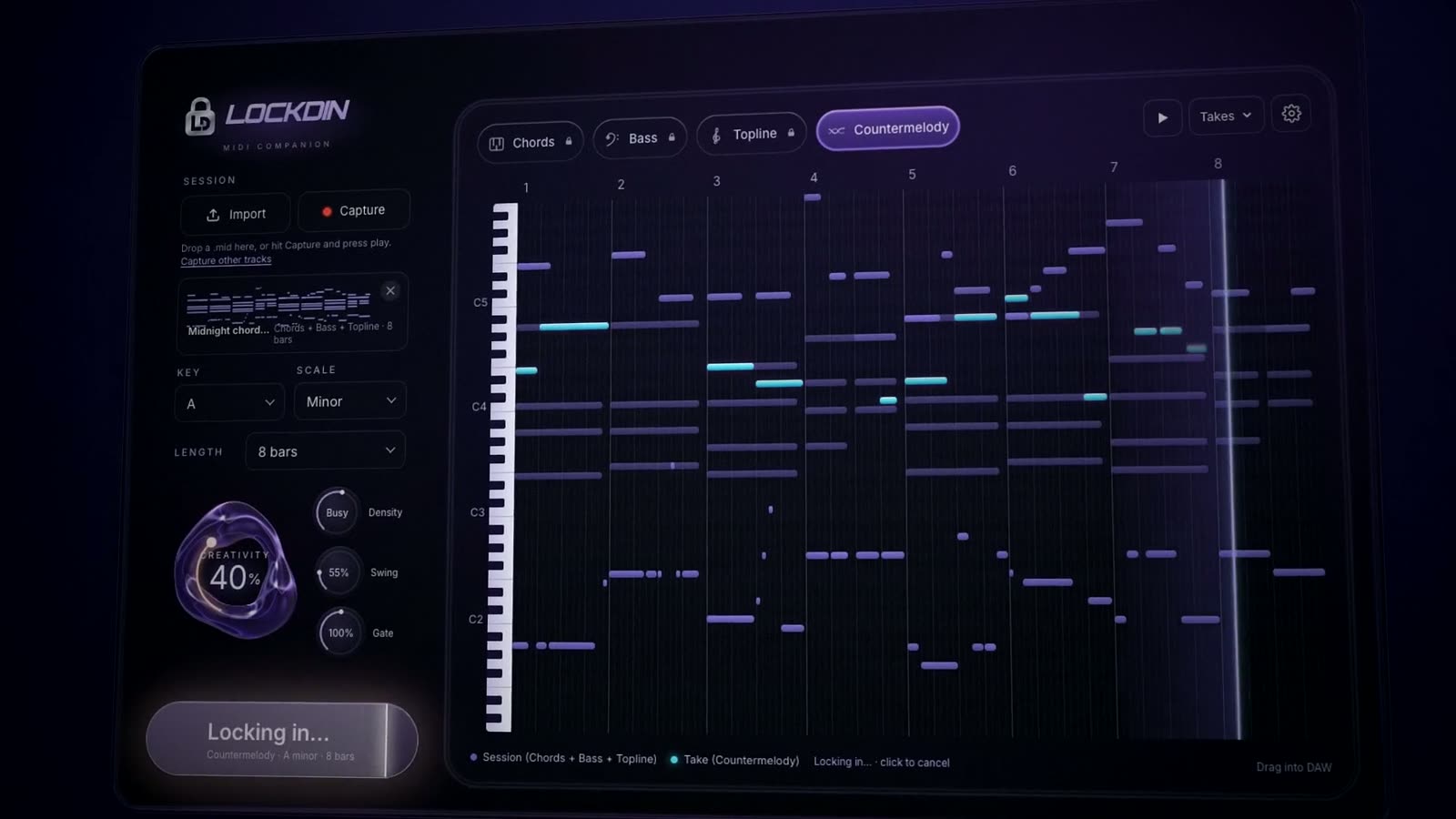
Drop a .mid, or hit Capture and press play in your DAW. No loop yet? Lock in straight from the key. Pick the part, set the feel, and the take lands on the piano roll as MIDI.
Chords, bass, topline and countermelody, laid down as MIDI around your loop or straight from the key. Keep the takes that hit and drag them into your DAW.
MIDI plugin for Ableton Live, Logic Pro and FL Studio · VST3 / AU
Try it
Each part is written to sit with the others, in the same key and the same pocket. Lock in one at a time and build the idea up.
Balanced. Familiar moves, a few turns.
Drag the orb or the slider.
The part
A line that moves with the chords and leaves room for your drums.
How it works
Lock in
Drop a .mid, or hit Capture and press play in your DAW. No loop yet? Lock in straight from the key. Pick the part, set the feel, and the take lands on the piano roll as MIDI.
Run it back
A fresh take of the same part, in the same key and the same pocket. Every one stays in Takes, so nothing that hit gets lost.
Lock it
Like the take? Lock it. It joins the Session, the part gets a padlock and the next one is up, written on top of what you kept.
Drag into DAW
Pull the clip onto a track in Ableton, Logic or FL. Notes only, so your tempo and your sounds lead. From there it's a clip like any other.
Tight ↔ Loose
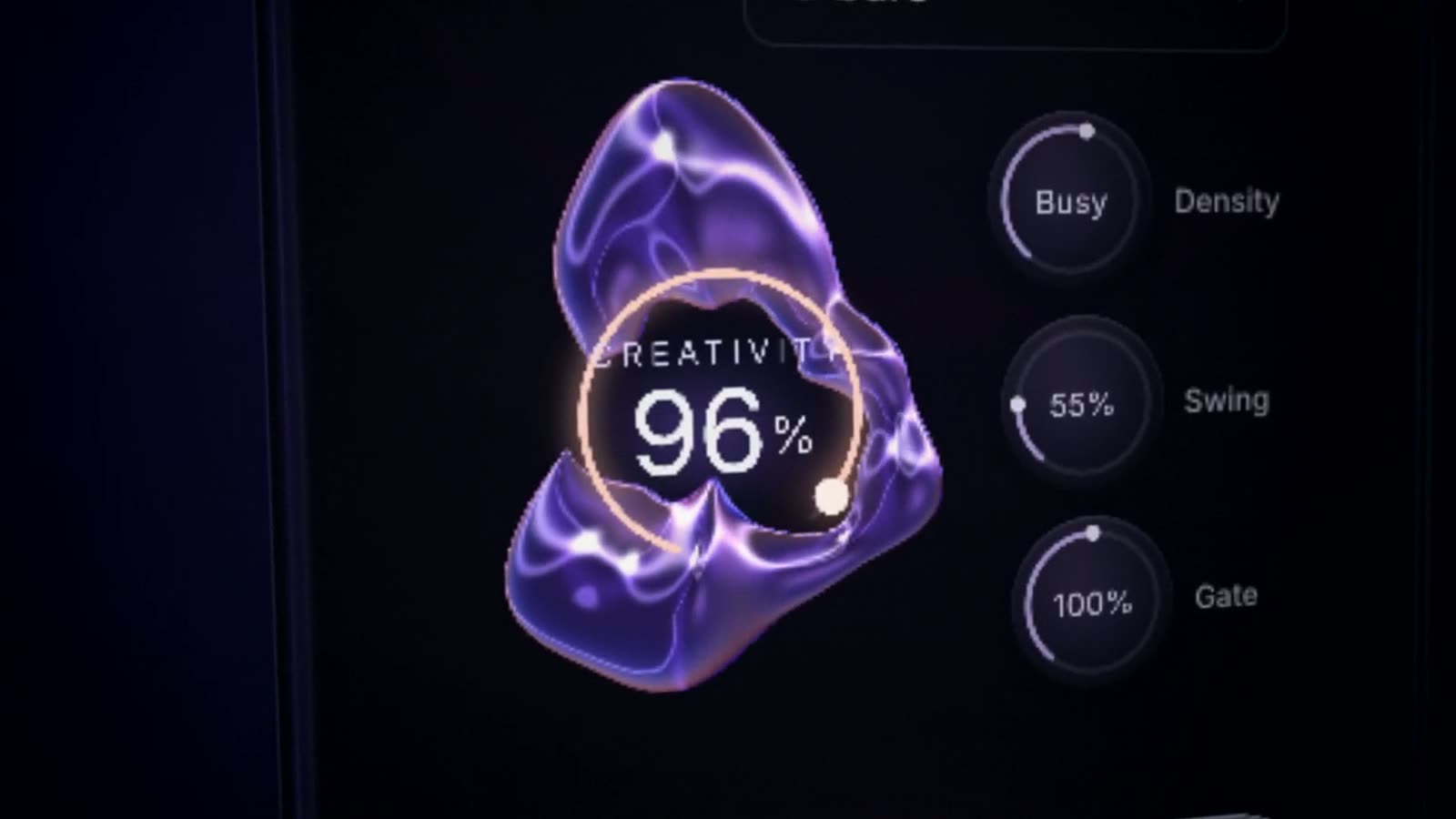
Tight stays close to the key and your loop. Loose takes more chances. Turn it and the glass moves with you.
The feel
There's no BPM knob. LOCKDIN follows your DAW's tempo, and these four shape how each take plays.
Tight ↔ Loose
Tight stays close to the key and your loop. Loose takes more chances.
Sparse ↔ Dense
How many notes land in each bar, from a held pad to a busy line.
Straight ↔ Triplet
Pushes the off-beat 16ths, from 50% straight to a 75% triplet feel.
Short ↔ Legato
How long each note rings, from 50% short and choppy to 150% legato. 100% plays the take as written.
Where we stand
LOCKDIN uses AI to sketch MIDI ideas in your key: chords, bass, toplines, countermelodies. That's where it stops. It doesn't make the track, it doesn't pick the sound, and it doesn't sign the record. You do.
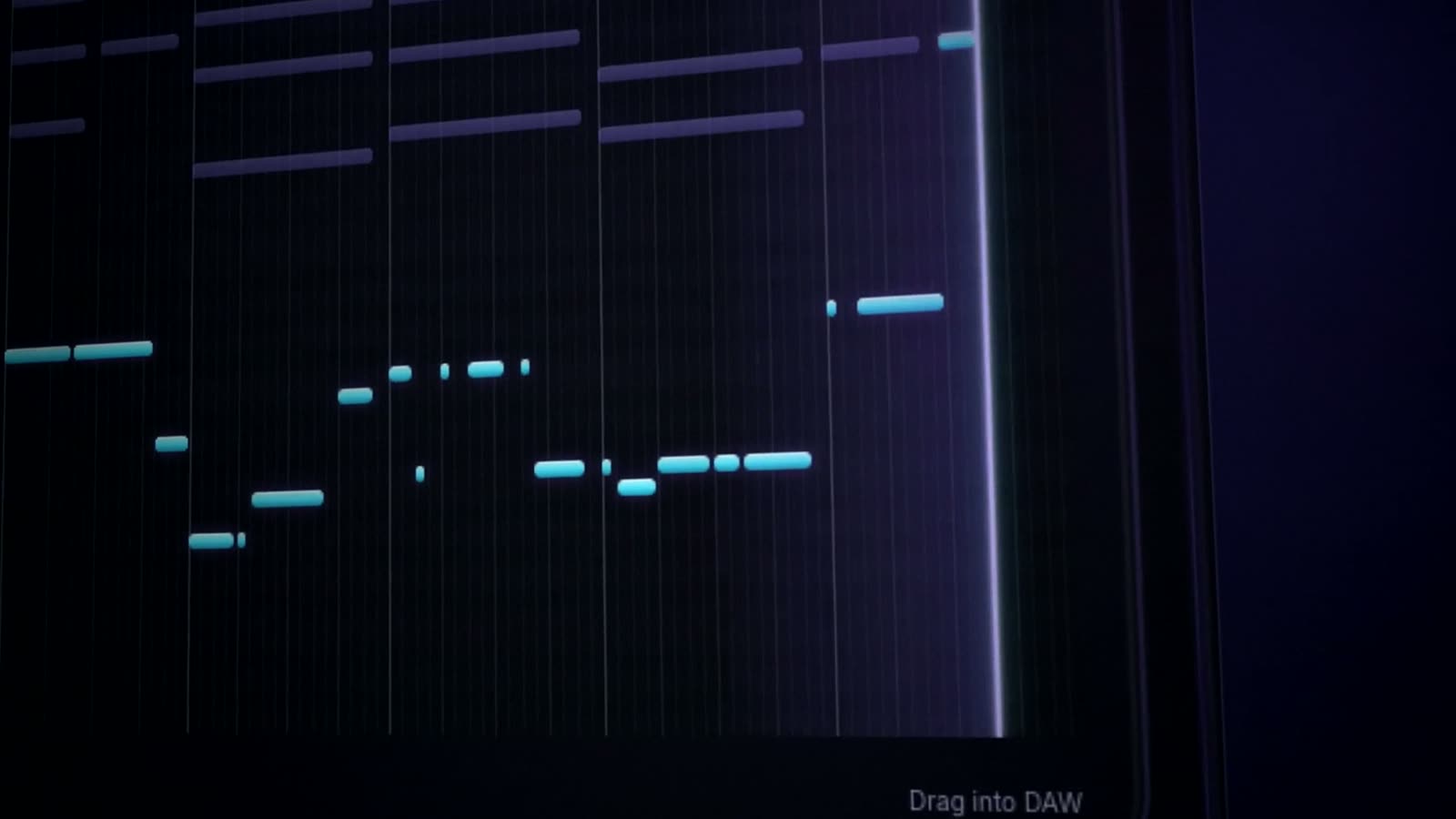
Every note stays editable. Move it, re-voice it, quantize it. It's a clip like any other in your session.
Nothing gets baked into a bounce. What you make with it is yours.
Your synths, your samples, your mix. LOCKDIN never picks the sound.
Two ways to run it
Offline
LOCKDIN is built to run offline, on your own Mac. No connection, no waiting on a server, and your ideas never leave your machine. Make a beat on a plane if you want.
Monthly
Lighter machine, on Windows, or want to see how it works in your sessions first? The monthly plan runs the same engine in the cloud, on Mac and Windows. Same plugin, same takes, you just need a connection.
Specs
Exact system requirements at launch.
Testers wanted
We're picking a small group of producers to test LOCKDIN before launch. Tell us what you make and where we can hear it.
Apply to testTakes two minutesStraight answers
No, and that's on purpose. You get MIDI, so you choose the sounds, keep control of the mix, and there's no watermark baked into a bounce.
Ableton Live, Logic Pro and FL Studio, as a VST3 or AU plugin. You drag the MIDI onto a track like any other clip.
The Mac version runs offline, on your machine. Make a beat on a plane if you want. If your computer is on the lighter side, you're on Windows, or you want to try it in your sessions first, the monthly plan runs in the cloud and needs a connection.
No. The AI is a tool in your session, not the artist. You pick the takes, edit the notes and make the calls. You stay the author.
Yes. An AI music model trained on MIDI hand-picked by musicians. It proposes takes, and you choose, edit and own every note. On Mac it runs on your machine.
Soon. Testers go first: apply here.